Busy at work on HarborClient again... here are some of the latest features.
Workflows
Collection runs walk every request in a folder. Workspaces restore the tabs you need. Neither captures the path you took — load this request, tweak the draft, send, switch environments, send again. HarborClient Workflows do. Record a multi-step session once, save it under the sidebar Workflows section, then replay it in the app or run it headlessly from the CLI for smoke checks and CI. You can add delay between steps, use Gapless timing, inspect a Results tab, and jump or skip actions from request scripts.
Read the full announcement: Introducing Workflows in HarborClient.
Live Pages

API work rarely stops at the request editor. OAuth consents, product docs, admin consoles, and SPA
checks still live in a separate browser. HarborClient Live Pages open a real
webpage beside your collections — with variables, headers, auth, and pre/post scripts — then save
that session in the sidebar. Drive the same tab from request scripts or plugins with
hc.webpage: focus, query the DOM, evaluate JavaScript, inject script or CSS, and
capture screenshots without leaving the workspace.
Read the full announcement: Introducing Live Pages in HarborClient.
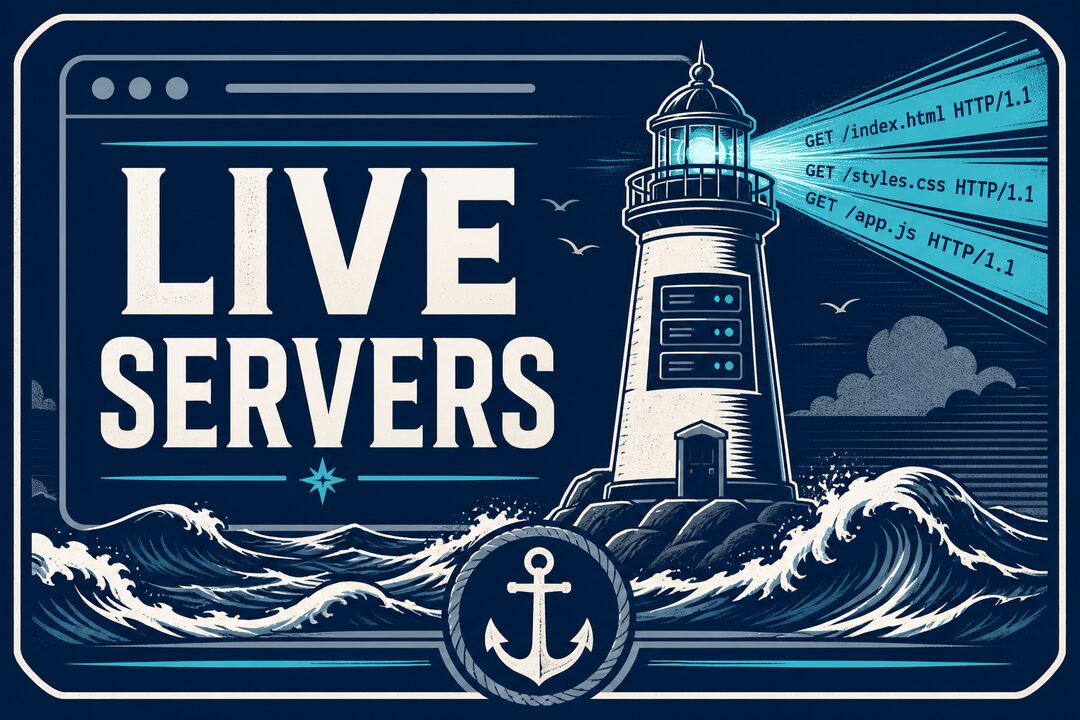
Live Servers
Previewing a static site, docs build, or local assets usually means starting a separate server in
a terminal and pasting the URL into a browser. HarborClient Live Servers bring
that loop into the app: save a folder as a server, start it from the Servers rail, open it in a
Live Page, and inspect access logs from the footer. Configure port, path aliases, CORS, and
file-watch reload — all on loopback (127.0.0.1) for local development.
Read the full announcement: Introducing Live Servers in HarborClient.
Grab the latest HarborClient from harborclient.com or GitHub Releases. Product guides cover workflows and live servers; more write-ups are on the HarborClient blog.


