HarborClient ships with a plugin
system that lets you extend the desktop HTTP client with installable packages. Plugins can add
settings panels, sidebar views, themes, HTTP hooks, and more — all packaged as a
.hcp file (a normal ZIP archive with a HarborClient-specific extension).
If you have not used HarborClient yet, start with my earlier post on
HarborClient as a
Postman alternative.
This tutorial walks through building a small plugin from scratch: a request logger
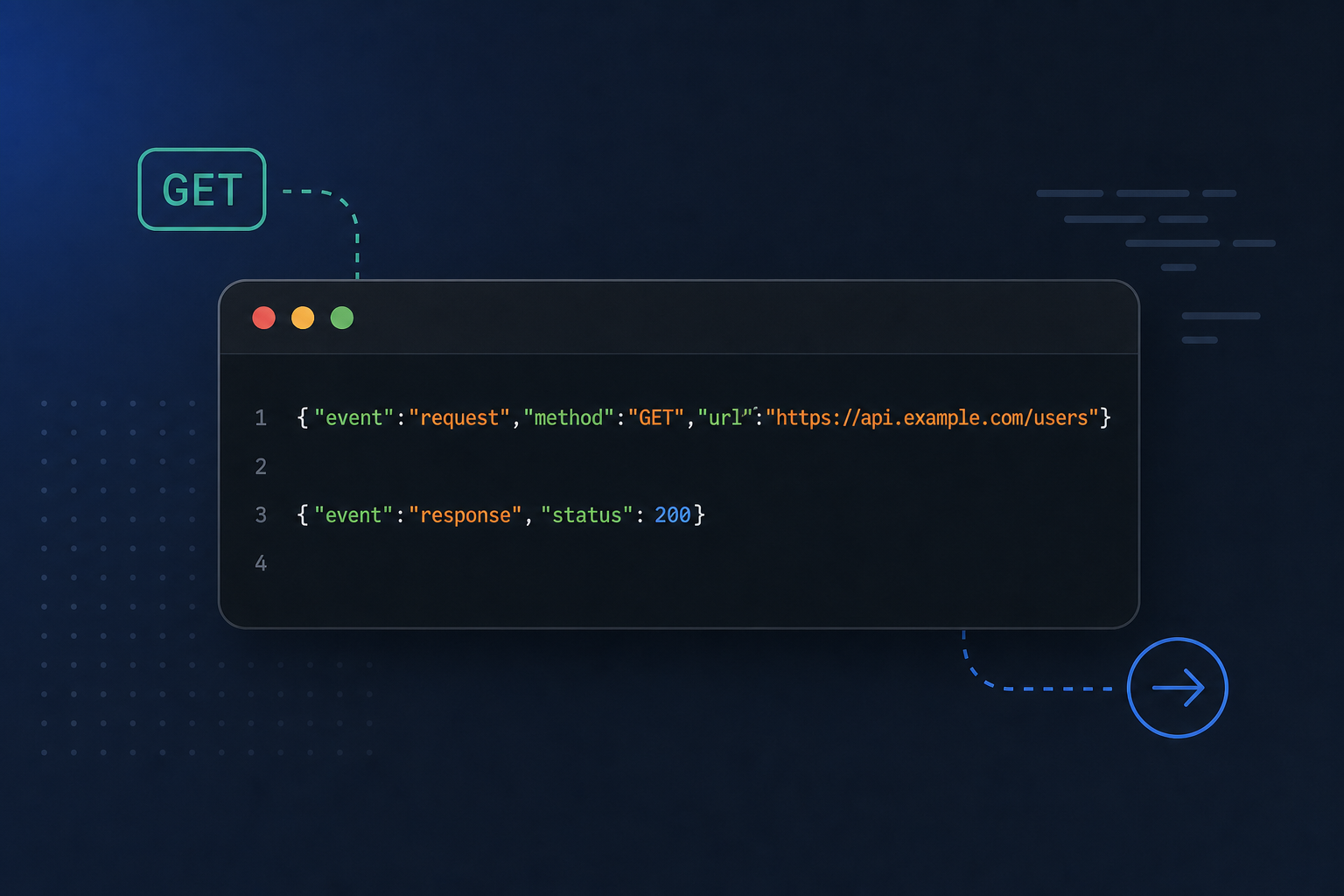
that writes every outbound HTTP request and response to the terminal as a JSON object — one line per
event, ready to pipe into jq or any log aggregator.
Plugins are long-lived extensions. That is different from request scripts, which run once per send inside the same SES sandbox. Plugins install through Settings → Plugins, declare permissions up front, and stay active until you disable them. Full API reference lives in the plugin development docs.
Prerequisites
- HarborClient ≥ 1.7.0
pnpm, TypeScript, and esbuild@harborclient/sdkas a dev dependency
Scaffold the project
The fastest way to start is the official skeleton. It creates a plugin directory with the expected layout and build scripts:
npx @harborclient/plugin-skeleton@latest
cd my-plugin
pnpm install
For this tutorial we only need a main entry — no React UI — so a minimal layout looks like this:
request-logger/
├── manifest.json
├── package.json
├── src/
│   └── main.ts
└── dist/
    └── main.js          # produced by esbuild
Add a package.json with esbuild build targets. HarborClient does not ship a plugin SDK
runtime; you bundle everything yourself:
{
  "name": "request-logger",
  "version": "1.0.0",
  "type": "module",
  "devDependencies": {
    "@harborclient/sdk": "^0.4.3",
    "esbuild": "^0.25.0",
    "typescript": "^5.0.0"
  },
  "scripts": {
    "build": "esbuild src/main.ts --bundle --outfile=dist/main.js --format=esm --platform=neutral",
    "dev": "esbuild src/main.ts --bundle --outfile=dist/main.js --format=esm --platform=neutral --watch",
    "pack": "pnpm build && zip -r ../request-logger.hcp manifest.json README.md dist"
  }
}
manifest.json
Every plugin needs a manifest at the package root. Ours is main-only: no renderer entry,
no contributes block, and a single http permission for send hooks:
{
  "id": "com.example.request-logger",
  "name": "Request Logger",
  "author": "Acme Inc.",
  "version": "1.0.0",
  "engines": { "harborclient": ">=1.7.0" },
  "main": "dist/main.js",
  "permissions": ["http"]
}
The id is a reverse-DNS identifier that namespaces storage and updates. The
main field points at the bundled entry that runs in HarborClient's SES-hardened
utilityProcess — the same infrastructure used for request scripts, but with a broader plugin API.
src/main.ts — JSON logging
Main entries export an activate(hc) function. Import
MainPluginContext from @harborclient/sdk, register HTTP hooks, and
push each returned disposable onto hc.subscriptions so the host cleans up automatically
when the plugin is disabled.
The official docs include a
request logger example
that prints human-readable lines. We will emit structured JSON instead — one object per
console.log call, which is easy to parse downstream:
import type { MainPluginContext } from '@harborclient/sdk';

function logEvent(payload: Record<string, unknown>): void {
  console.log(JSON.stringify(payload));
}

export function activate(hc: MainPluginContext): void {
  hc.subscriptions.push(
    hc.http.onBeforeSend((request) => {
      logEvent({
        event: 'request',
        timestamp: new Date().toISOString(),
        method: request.method,
        url: request.url,
        headers: request.headers,
        ...(request.body ? { body: request.body } : {}),
      });
    })
  );

  hc.subscriptions.push(
    hc.http.onAfterSend((request, response) => {
      logEvent({
        event: 'response',
        timestamp: new Date().toISOString(),
        method: request.method,
        url: request.url,
        status: response.status,
        statusText: response.statusText,
        headers: response.headers,
        ...(response.body ? { body: response.body } : {}),
      });
    })
  );
}
A few things worth noting:
-
onBeforeSendreceives a mutable request snapshot. You can change method, URL, headers, or body before the request goes out. We only read fields here. -
onAfterSendfires once the response arrives, with both the request that was sent and the serialized response (status, headers, body). -
The host exposes
consoleinside the utilityProcess sandbox, so output appears in the terminal where you launched HarborClient — not inside the app window. - Main-only plugins activate as soon as they are enabled. You do not need to open a settings panel first.
After you send a GET https://httpbin.org/get request with the plugin enabled, your
terminal might show:
{"event":"request","timestamp":"2026-06-25T14:32:01.123Z","method":"GET","url":"https://httpbin.org/get","headers":{"Accept":"*/*"}}
{"event":"response","timestamp":"2026-06-25T14:32:01.891Z","method":"GET","url":"https://httpbin.org/get","status":200,"statusText":"OK","headers":{"content-type":"application/json"},"body":"{\n  \"url\": \"https://httpbin.org/get\"\n}"}
Build and run
Bundle the entry, then load the folder into HarborClient for development:
pnpm build   # one-off build to dist/main.js
pnpm dev     # rebuild on every save
The recommended dev loop uses two terminals:
- Terminal 1 — run
pnpm devin your plugin directory. -
Terminal 2 — run HarborClient from a checkout (
pnpm dev) or launch an installed build. - In the app, open Settings → Plugins → Load unpacked… and select your plugin folder.
- Enable the plugin, send a request, and watch JSON lines appear in Terminal 2.
HarborClient watches manifest.json and entry files for unpacked plugins. When you save a
rebuild, the host debounces briefly, calls deactivate(), and re-runs
activate(hc) — no manual reload required during development.
For day-to-day work on the same plugin, you can also register the path at startup:
HARBOR_PLUGINS_DEV=~/projects/request-logger pnpm devPackage for distribution
When you are ready to share the plugin, zip the manifest, README, and dist/ output with
a .hcp extension:
pnpm pack
# or manually:
zip -r request-logger.hcp manifest.json README.md dist
Install the .hcp file from Settings → Plugins. HarborClient unpacks it
under your application data directory, validates the manifest, and shows the requested permissions
before enabling.
Built-in logging vs. a plugin
HarborClient also supports verbose request logging via -vv / --very-verbose
on the command line. A plugin logger runs whenever the plugin is enabled and lets you choose any
format — JSON lines, CSV, filtering by host, redacting headers — without restarting the app with
different flags.
Where to go next
This plugin has no UI, but HarborClient plugins can also contribute settings panels, sidebar views,
request tabs, themes, and toolbar actions. The
renderer overview
covers React integration with installReact(hc.react), and the
examples section includes
an audit tab and a Solarized theme.
For the full reference — manifest fields, permissions, IPC, storage, and packaging — see the plugin development docs.


